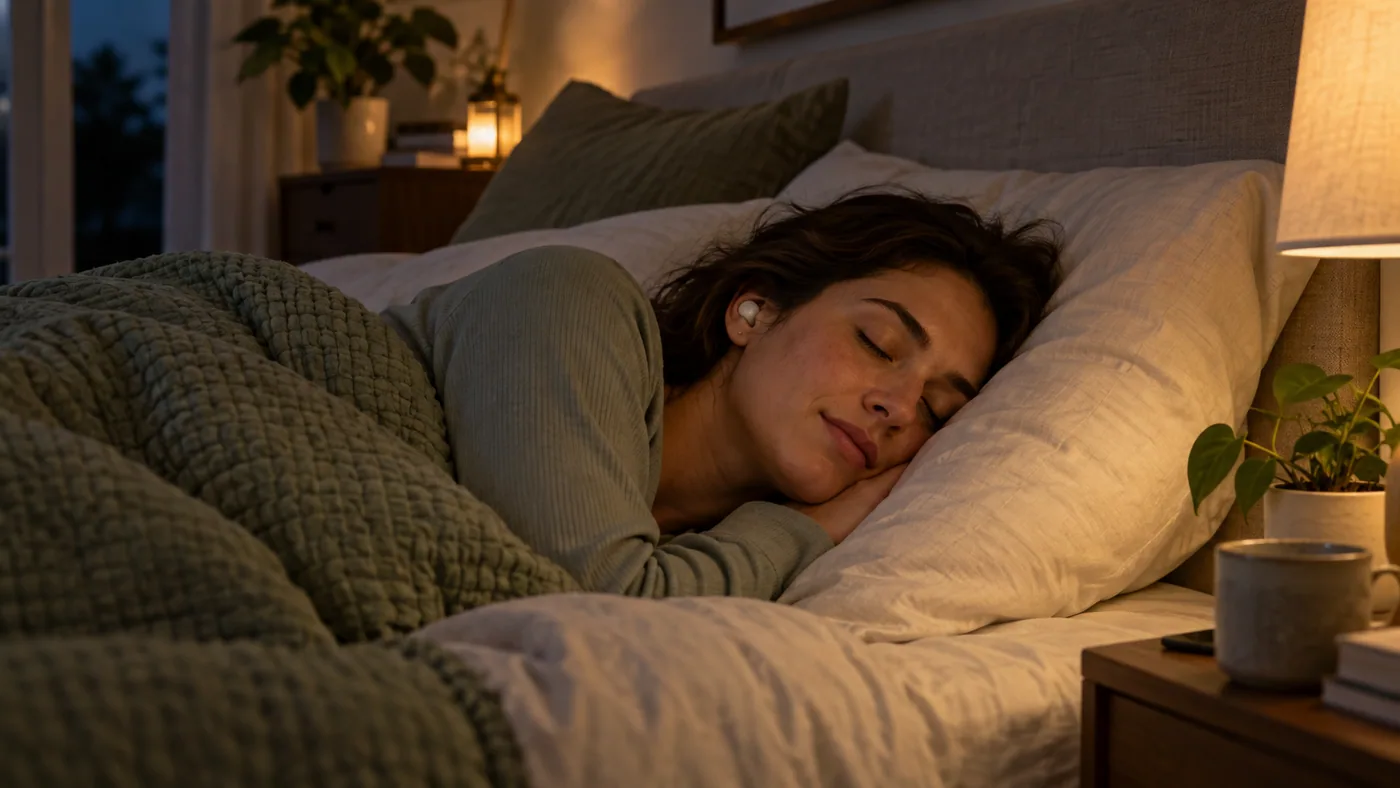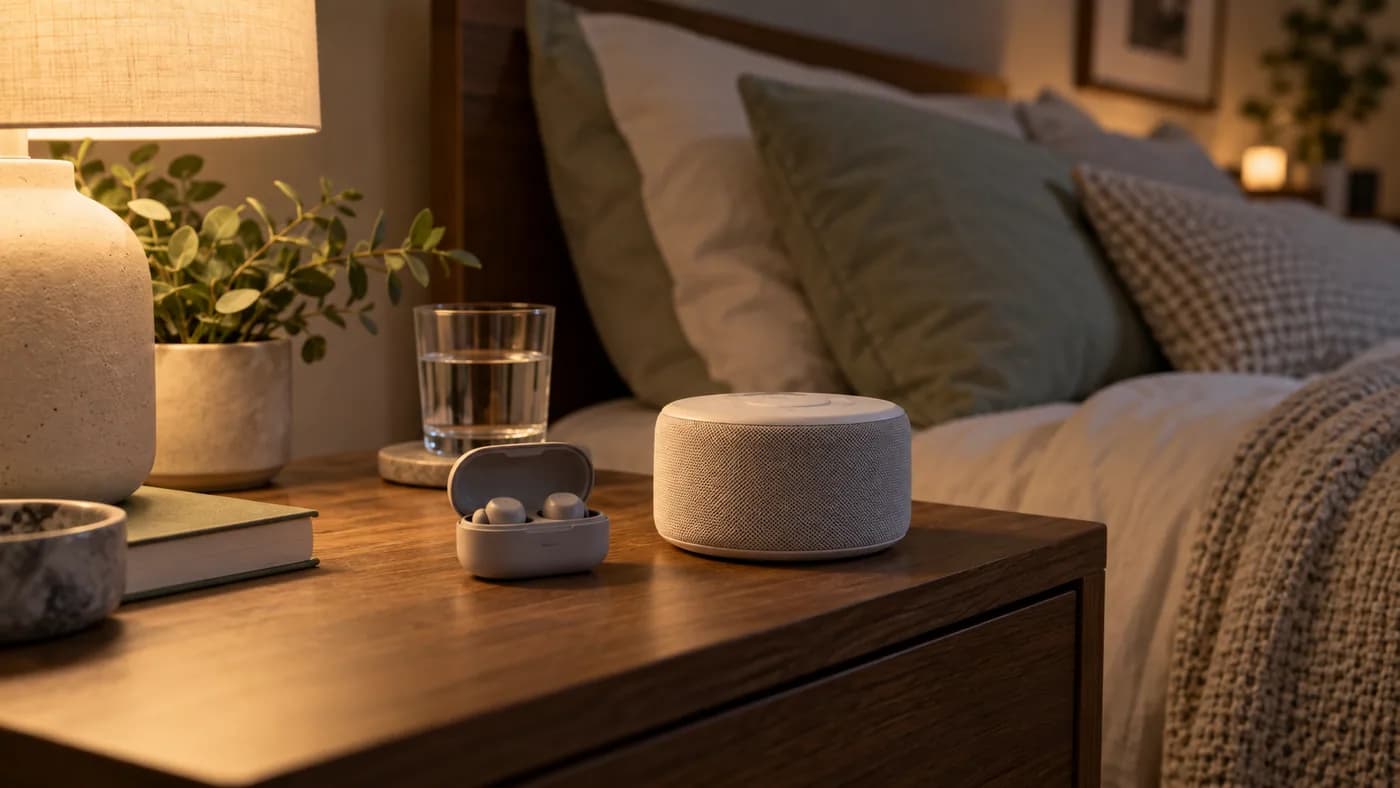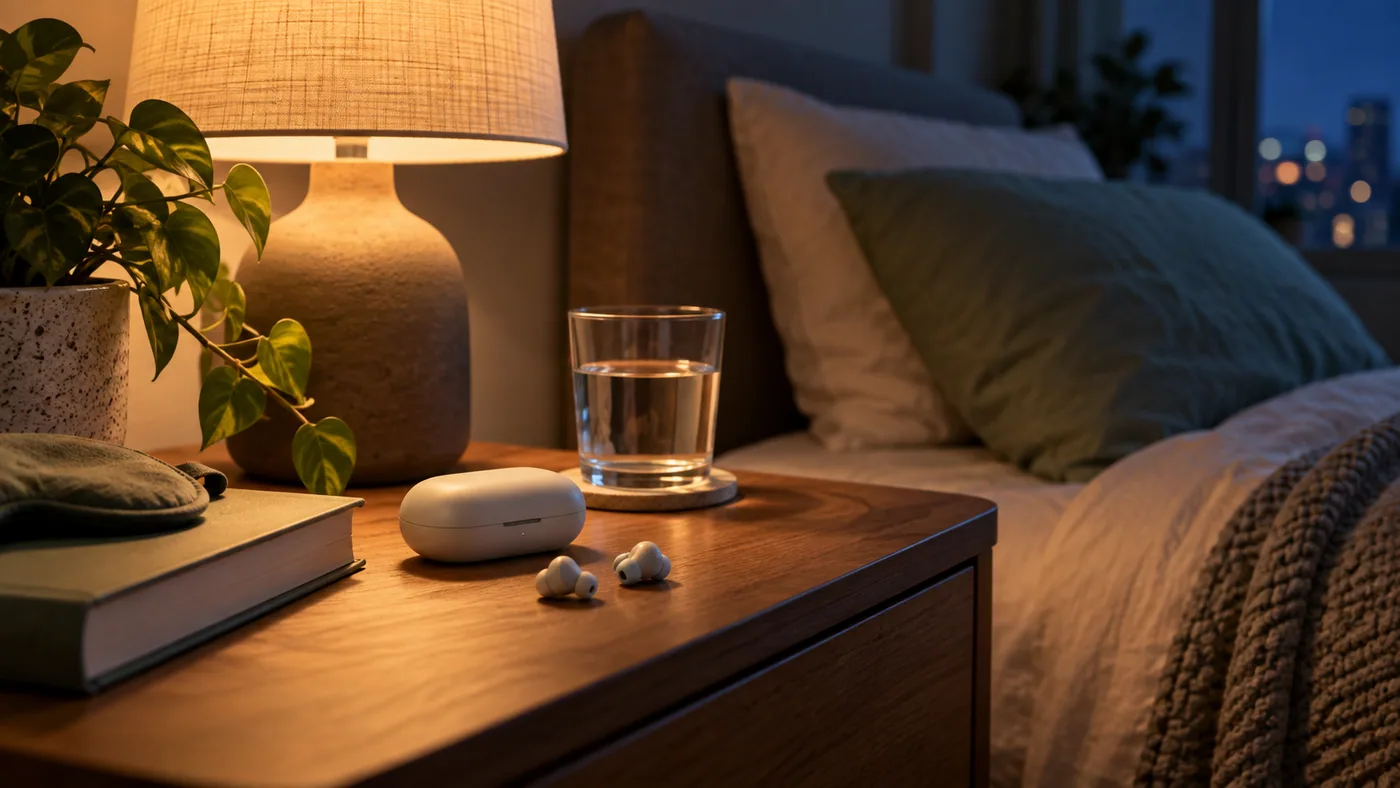
A quiet bedroom routine works best when each step has one job. Lighting helps you wind down, a comfortable temperature supports the room, and personal audio can give you a more consistent sound environment.
Set up before you are tired
Charge the Smart Case and earbuds, install the Ozlo Sleep app, and complete pairing earlier in the day. Choose one Sleep Sound and a conservative volume. The app offers alarms and timers, but test the controls while you are awake so the first night does not become a troubleshooting session.
Ozlo's Sleep Modes let you begin with sound stored on the earbuds, stream something from your phone first, or transition after a timer or other trigger. Start with the simplest mode that matches your habit. If you want a podcast before sleep, check exactly when the masking sound takes over.
Make the bedside controls familiar
The Sleepbuds 2 Smart Case button can start or pause a Sleep Sound and snooze an alarm. Put the case where you can reach it without turning on a bright screen. Set a private alarm and test its volume and timing on a low-stakes morning before relying on it alone.
Sleep Shield is designed to prevent phone audio and notifications from interrupting your Sleep Sound. Review that setting deliberately: if you need to hear important calls or alerts overnight, decide on a separate path for them.
Keep the room routine independent
A dim lamp or thermostat schedule can complement personal audio, but Sleepbuds 2 do not need to be treated as a smart-home hub. Keep lights and climate controllable with a switch or app even if the earbuds are charging or disconnected.
After a week, change one thing at a time: fit, volume, sound, or timer. A simple routine that people can repeat matters more than a long chain of automated actions.
Compare the details before buying.
Review the current seller, price, availability, and return terms on the Amazon product page.
We may earn a commission if you buy through this link.
View Ozlo Sleepbuds 2 on AmazonA quick checklist
- Pair and charge during the day
- Start with one Sleep Sound
- Test the private alarm
- Keep lighting and climate independently controllable
Source & further reading
Technical requirements vary by model, ecosystem, and software version. Use the official documentation below alongside your device maker's current instructions.
Ozlo: Sleepbuds 2 setup and modes